
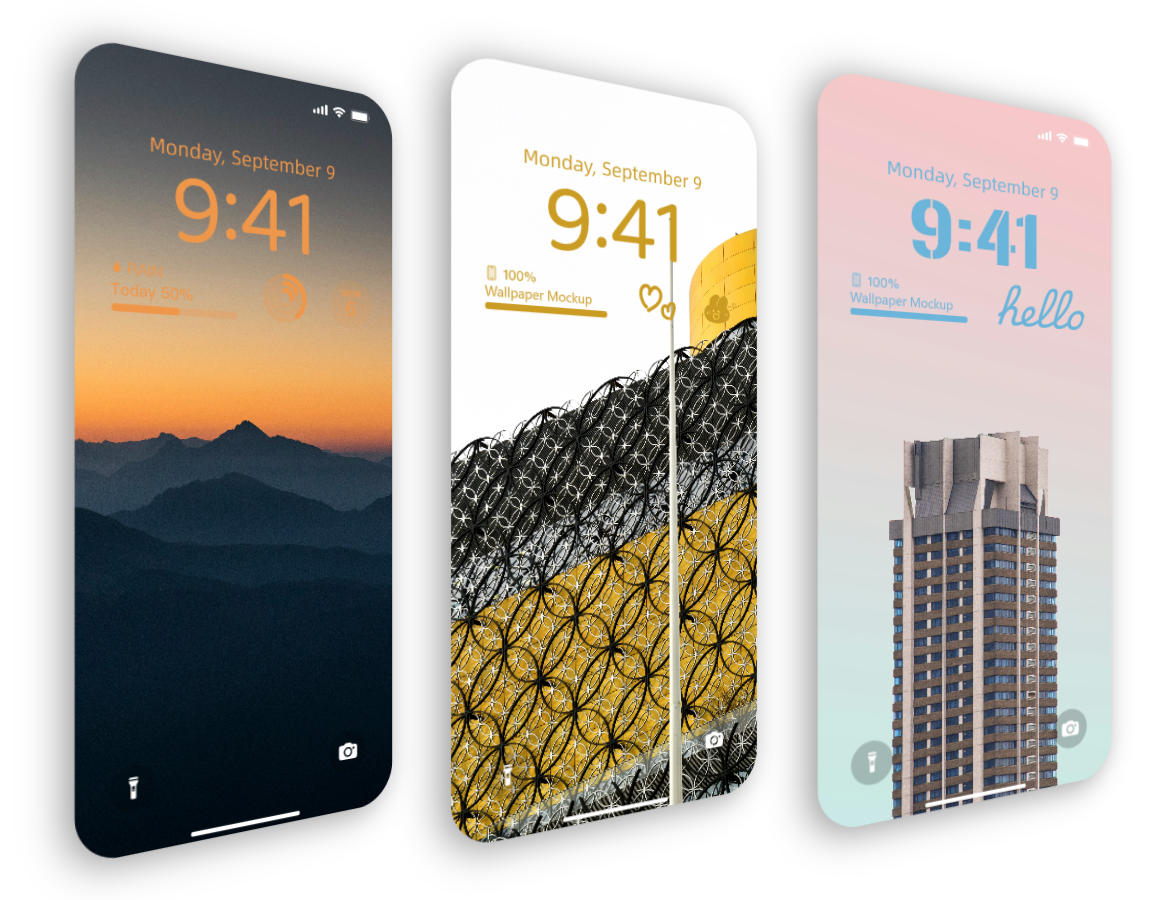
Fake iPhone Wallpaper Generator
Turn any image into a realistic iPhone wallpaper mockup
Upload your image, adjust the scene, and export content-ready visuals in minutes.
Open Fake iPhone Wallpaper GeneratorFake iPhone Wallpaper Generator for fast content
Fake iPhone Wallpaper Generator helps you turn any image into an iPhone-style wallpaper mockup that looks ready to publish. It is built for creators who need clean visuals fast.
If you create wallpaper posts, launch assets, or social content, you can go from image to final mockup in minutes.
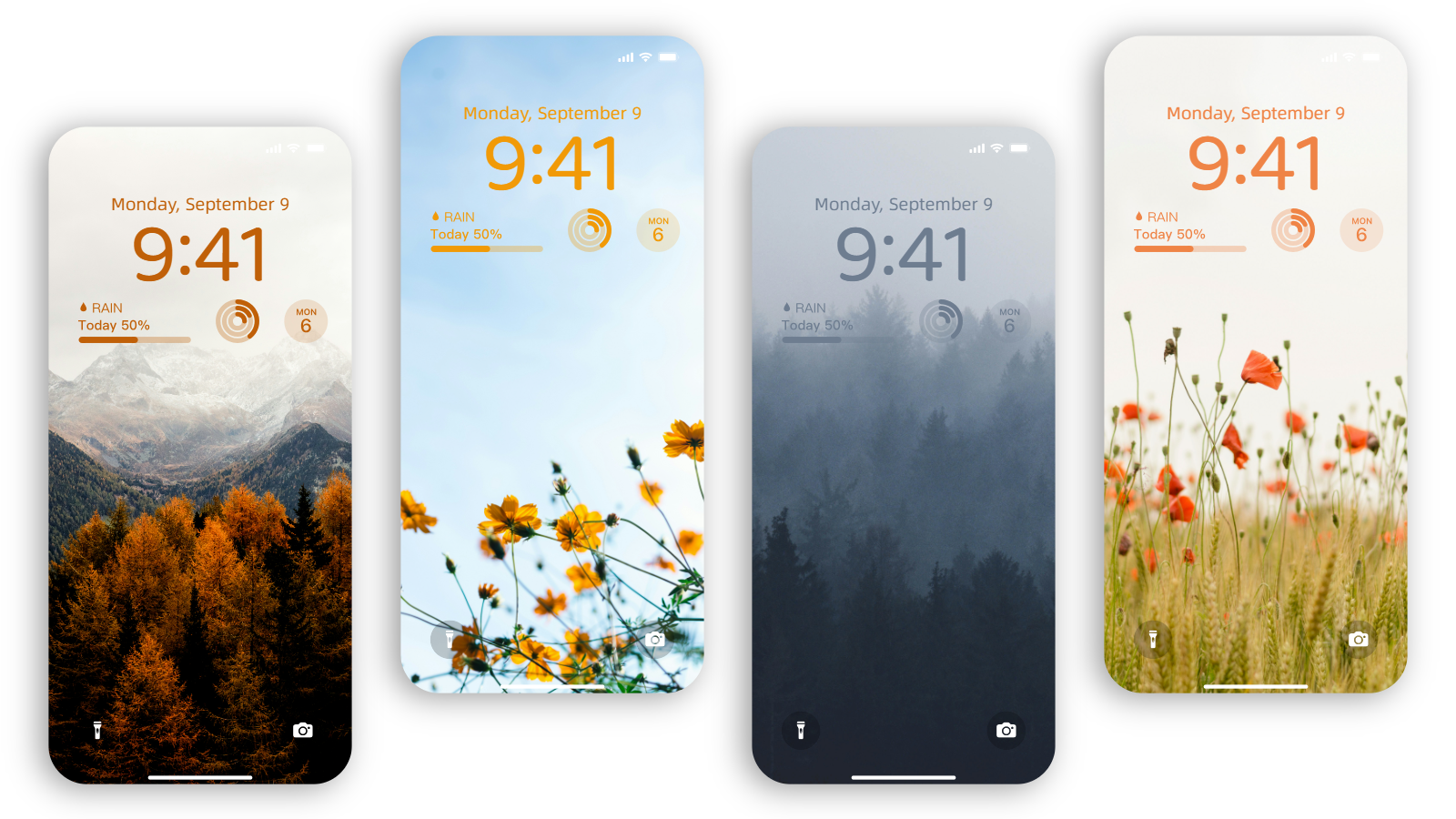
What you can customize
You can customize everything in one place:
- Phone frame and scene layout
- Time, date, and widget styling
- Background color, blur, and overlays
- Image fit, crop, and alignment
- Export size and output quality
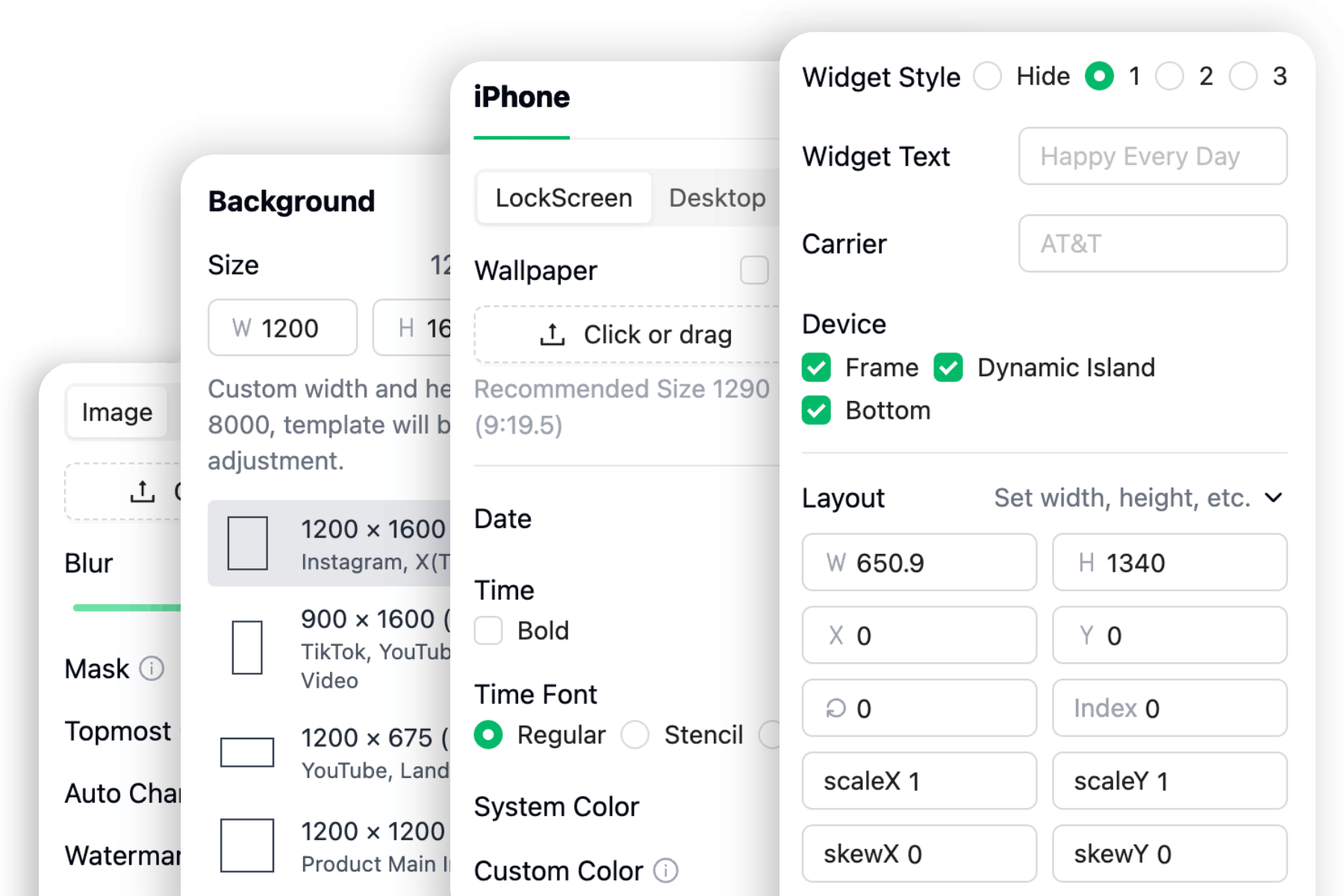
How to use fake iPhone wallpaper generator
- Upload your wallpaper image or photo.
- Adjust phone frame, lock screen details, and background style.
- Export one result or create multiple versions for different channels.
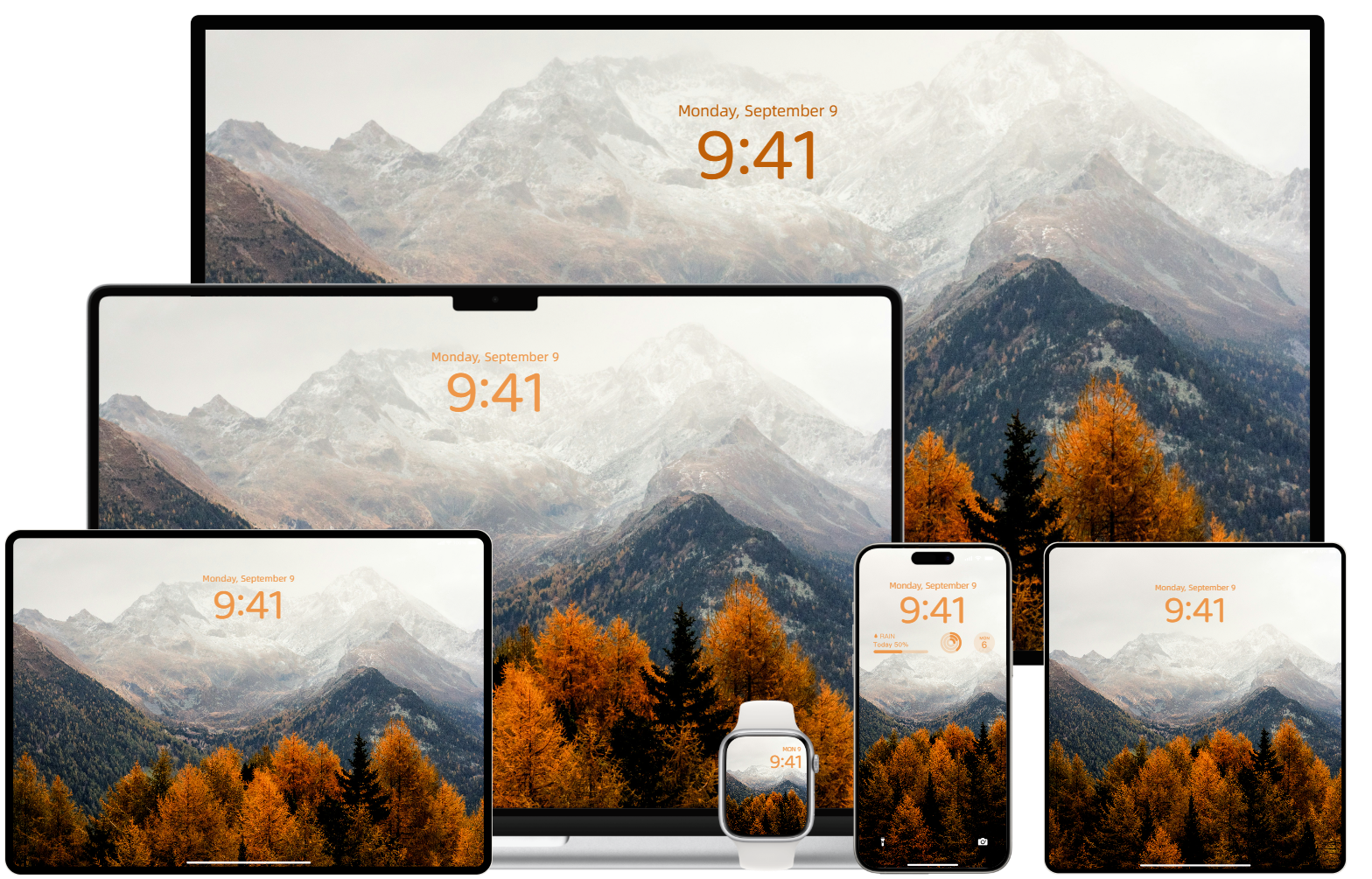
Why creators use fake iPhone wallpaper generator
Manual editing takes too long when you need many versions. Fake iPhone Wallpaper Generator helps you keep a consistent look, ship faster, and prepare visuals for different platforms in less time.
Start your fake iPhone wallpaper mockup
Upload your image, style the scene, and export a polished iPhone wallpaper visual in minutes.
FAQ
Common questions about fake iPhone wallpaper generator